And, oh, did I mention many software programs don’t even allow users to control Android from their computer without paying for the “pro” version? That is why, in this article, I will talk about an open-source app for Android screen mirroring. Let’s dive in.
Best Android Screen Mirroring Tool — Scrcpy
Scrcpy is anopen-sourcefree Android screen mirroring tool that enables users to control Android on PC and Mac (via USB and wirelessly), without even installing any application.
The tool is supported by Windows 10, macOS, and Linux. The biggest feature of Scrcpy is its low latency rate of 35 and 70ms, making its performance on par with Vysor — one of the most popular apps to mirror Android.
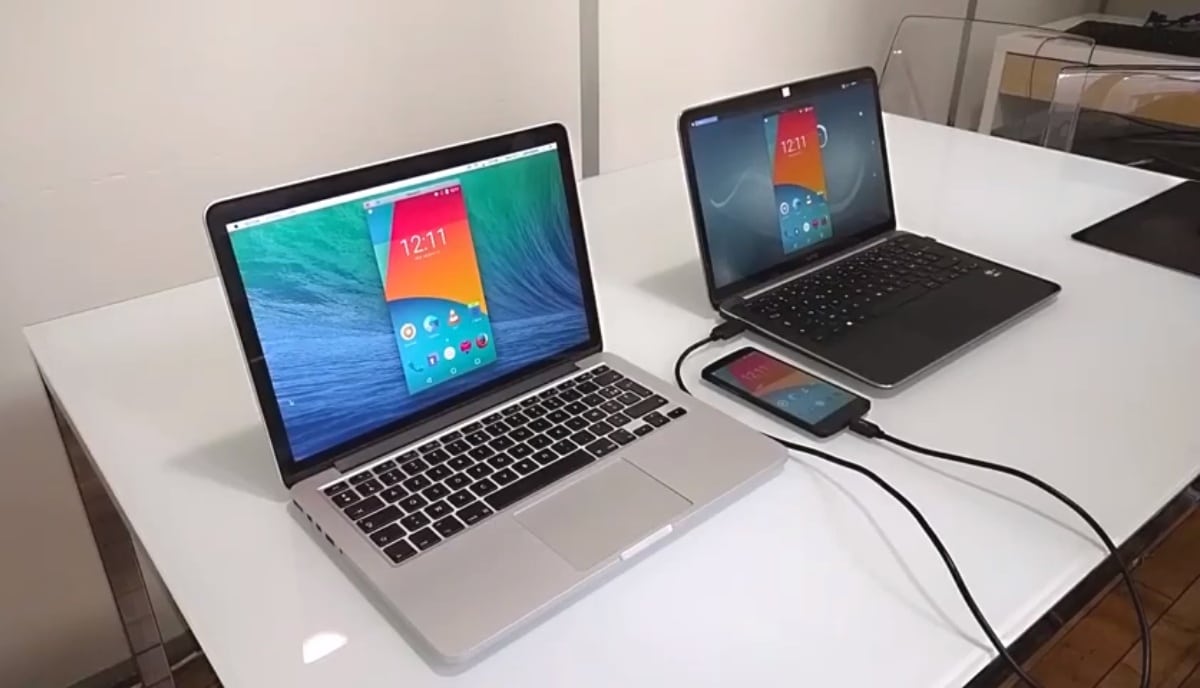
But unlike Vysor’s freemium model, Scrcpy is completely free, including all the necessary features such as sharing files, changing the resolution, recording screen, clicking screenshots, and much more. Since Scrcpy doesn’t involve installing an application, it is also one of the safest mirror apps for Android.
However, there is a small catch with Scrcpy. Users with no technical knowledge of the command line will likely face difficulties in installing the screen mirroring app.
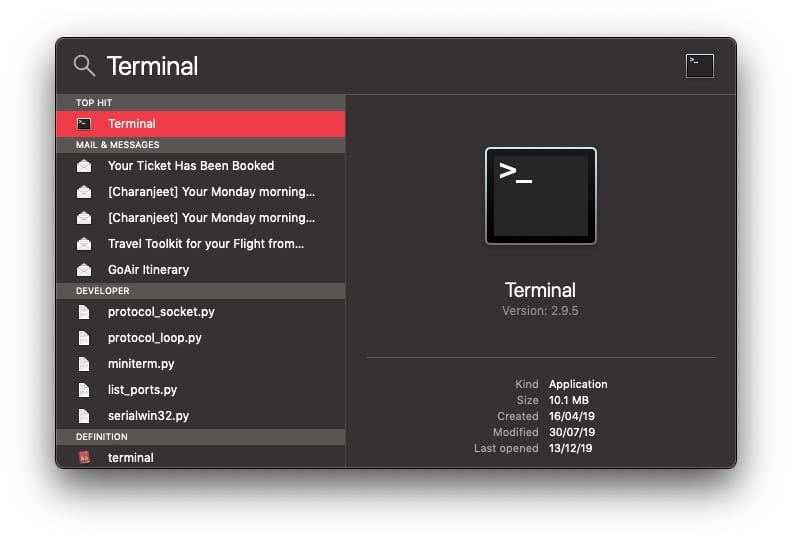
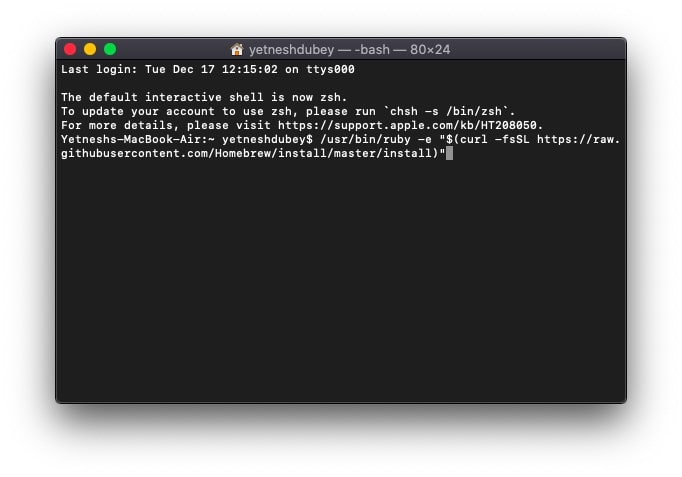
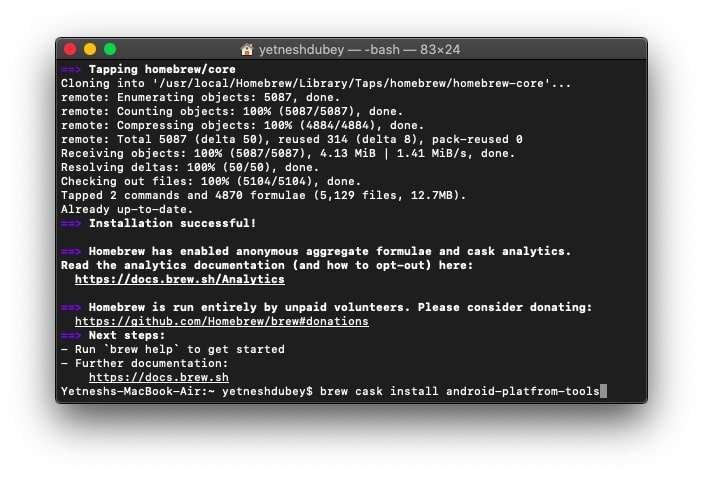
To make it easy for you, here I have explained how users can view and control Android phones on their PC via Scrcpy.
How to mirror Android screen to PC via USB?
For Windows 10
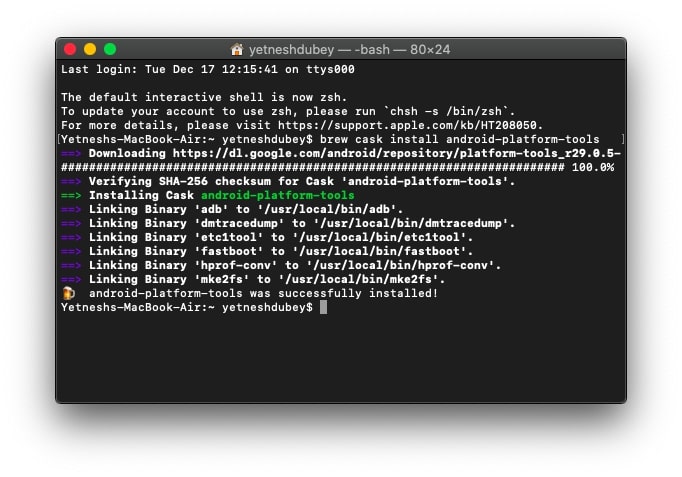
Before running Scrcpy on your Windows 10 PC, users will have to download and install theAndroid ADB tool.
Linux users can find steps to install the Android mirroring tool on Scrcpy’sGithub page.
How to mirror Android screen to PC wirelessly?
to cast your Android screen on a PC wirelessly, follow the previous steps and install Scrcpy, then simply enable wireless connection on ADB. Also, make sure your PC and Android device are on the same wireless network.
These steps are applicable to both Windows and macOS. In order to disable the wireless connection, simply enter the command “adb usb.”
What more can you do with Scrcpy?
As long as you have correctly installed Scrcpy, you can do all the things that you’d expect from Android screen mirroring. You just need to enter the appropriate command. Here is the list of a few Scrcpy commands –
Apart from this, users can easily transfer files to an Android device by simply dragging the specific file to theScrcpywindow. Users can also install Android APK files right from the PC using this method.
Another cool feature of Scrcpy is that users can copy and paste text from Android to PC and vice-versa using the basic Copy-paste shortcuts.
Last but not least, below are several keyboard shortcuts that enable you to control Android from your PC.
Finally, that wraps up everything you need to know about Scrcpy and its usage. Those who are looking for the best apps tosync files between Android and Maccan check out this list.
Since Scrcpy doesn’t involve downloading files from any shady source, it is evidently safe to use. All it requires you to do is use some built-in tools and commands of your operating system.
No, Scrcpy is not an Android emulator. It just allows you to stream and control your phone’s Android interface via wired or wireless method.
