iOS 11.1 Features
A major highlight of this feature update is anew collection of emojisthat have been added to make your conversations more fun. The newly added 70+ emoji characters cover different and new foods, animals mythical creatures, clothing options, etc.
This release brings somefixes to the Photos app, including bugs that could cause some photos to appear blurry and make Live Photo effects to play back slowly.
A welcome iOS 11.1 feature is the return of the3D Touch option that lets you open up the app switcherby pressing down on the left side of the screen. Without any sensible explanation, Apple removed this feature from iOS 11 update.
In the wake of recent security threats, iOS 11.1 issues apatch forKrack WiFi flaw. The OS update is also full of other security improvements and bug fixes.
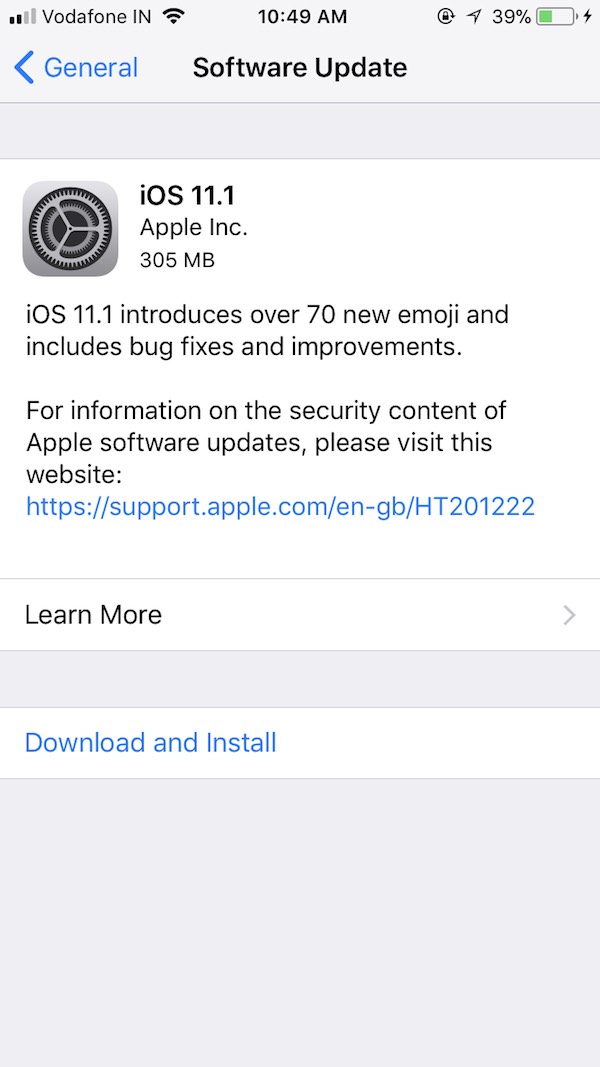
How to get iOS 11.1 on your iPhone or iPad?
Getting iOS 11.1 on the supported devices is really simple. It goes without saying that this update will be available for the devices running iOS 11.
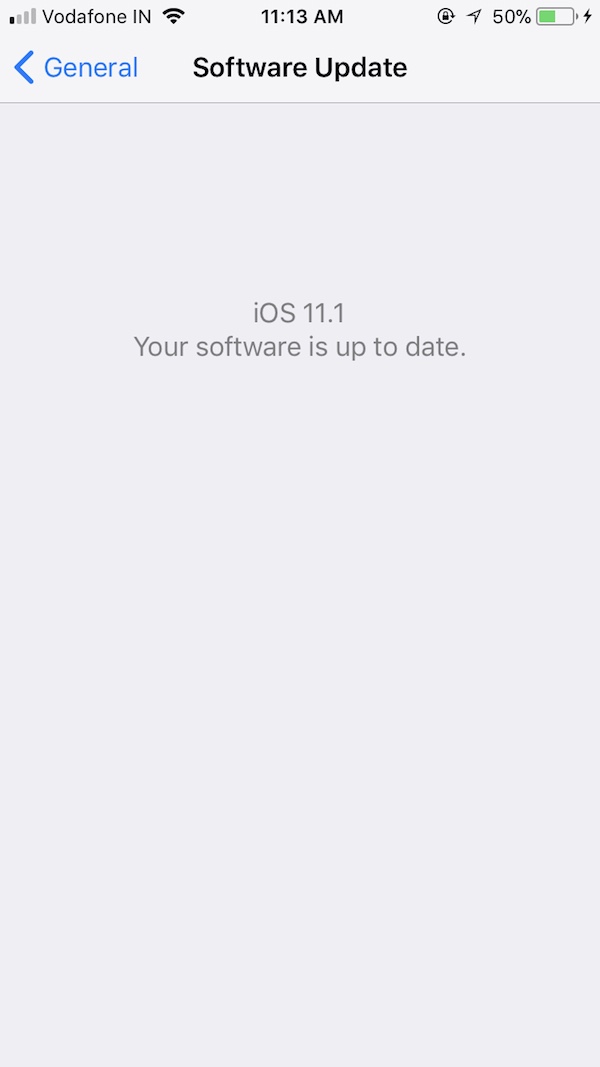
To get the update, you simply need to navigate toSettings > General > Software Update.
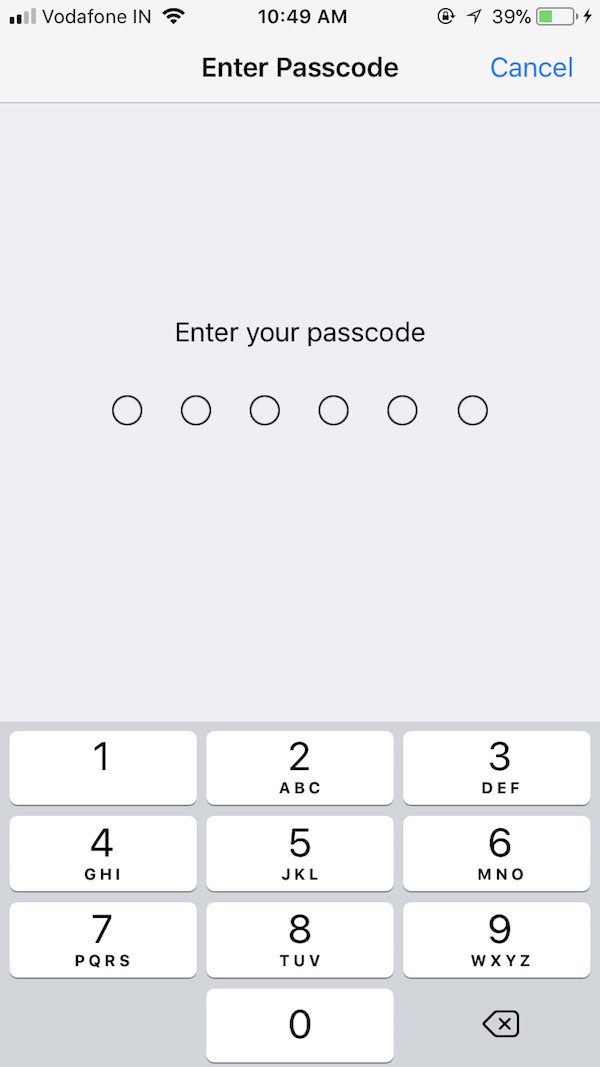
Once you’re on the Software Update window, your phone will start checking for the available updates. Chances are that you’ll see the available iOS 11.1 update after few seconds of checking.
Now click on theDownload and Installbutton at the bottom and enter your device’s passcode to proceed. This will start the download on your device. While the update is being downloaded, you can click on the link to see what’s new in the latest iOS software update.
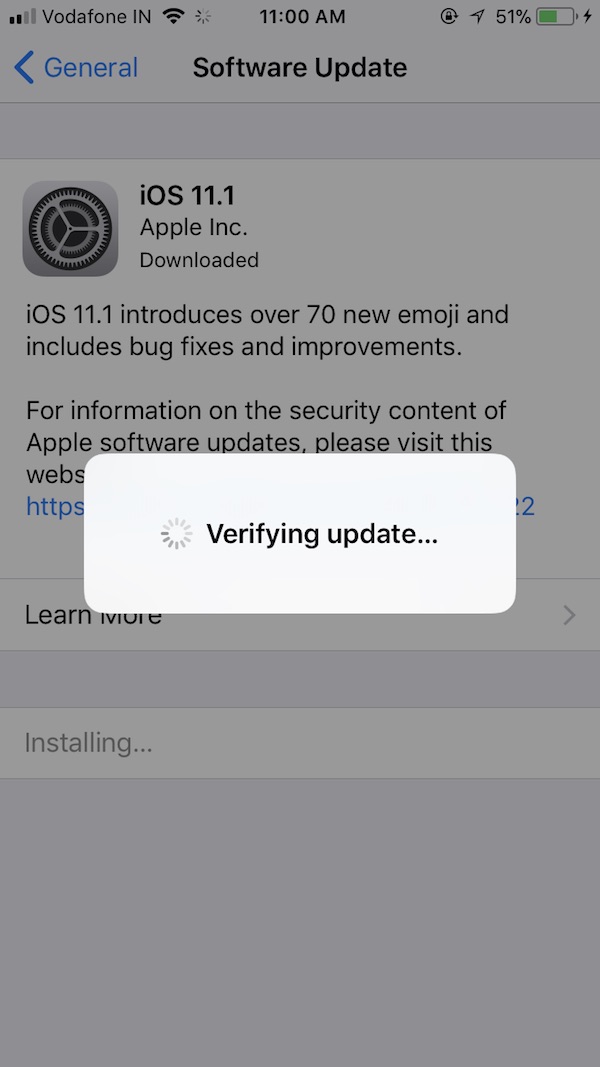
Once the update is downloaded, simply hit theInstall Nowbutton. It’ll show a popup ofVerifying updateand start the installation after a couple of seconds.
That’s all. The iOS 11.1 update should install within 5-10 minutes on your iPhone or iPad.
Did you find this article on how to upgrade your iDevice to iOS 11.1 helpful? Don’t forget to share your views with us.
