Microsoft is well aware that people have no time to remove USB safely. Life’s too short for it, thus with the new Microsoft Windows1809 Version, the company is making it safe to pull out your USB without any hassle.
Windows usually allows two options for pen-drive usage and removal. The safe remove option will come default in Windows 10.

Those of you who wonder about the effects of unsafely removing the USB can read our articlehere.
How To Remove USB Safely Without Trying.
The two settings in Windows 10 for safely removing USB are — Quick Removal and Better Performance. Quick Removal, as the name suggests, allows the user to pull out the USB with all their might, without any trouble.
However, this option also slows down the writing speed as there is no caching of files.
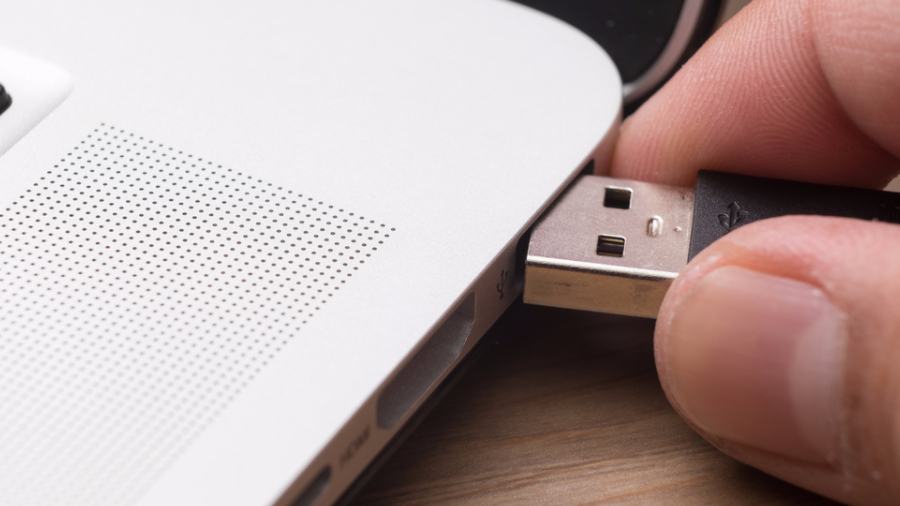
In the ‘Better Performance’ mode, as the name suggests, users get improved performance. But they can’t remove USB safely without clicking on ‘Safely Remove Hardware’.
The Quick Removal option now comes default in the Windows 10 Version 1809.

For Power Users
If you’re a power user and want to safely remove USB drive in the traditional way, you can follow these steps.
Two options ‘Better Performance’ and ‘Quick Removal’ will be available for the User.
Microsoft is letting user-focused changes to guide its future updates. Recently, the company announced that Windows 10 19H1 will be devoid of automatic forced updates.
Furthermore, Windows Sandbox, a light theme, and decoupling of search and Cortana are some of theadditional user-friendlyfeatures.
